This is a great opportunity to join in with the Canon Collective Events and you don’t need to have a Canon Camera to join the fun. See the flyer below for more details.
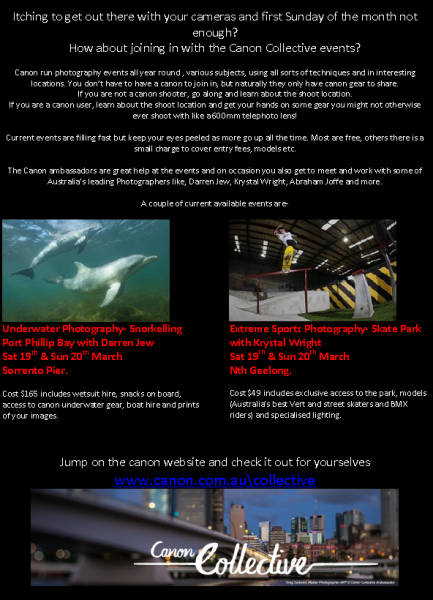
This is a great opportunity to join in with the Canon Collective Events and you don’t need to have a Canon Camera to join the fun. See the flyer below for more details.
The WCC 3rd Annual Presentation Evening was yet another success with everyone telling me that the evening was a success. The management of an evening like this start quite early in the year with the organisation of caterers, the hall booking, organising other hall users (Meals on Wheels etc.), trophies, prizes engraving etc. As you would imagine it takes a lot of effort and time to bring everything together and everyone with exception of the caterers are volunteers. Without these dedicated members giving up their own spare time, we would not be able to have such a wonderful event.
So I would again, like to take this opportunity to thanks those people for making the WCC 3rd Annual Presentation Evening a huge success. John & Jan Mallett, the WCC Committee, Paul Robinson and the other judges from Caulfield Camera Club, the other members involved and last but by far the least, WCC President, Paul Spence who has overseen the entire arrangements throughout the year and ran the evening how only Paul could run it, exceptionally well.
The evenings proceedings went really well and the first award of the night was an appreciation award for John Hadfield for all of the work he has done for the club. Then we had the promotions to A Grade which generated some vocal responses from the members. Followed by our guest judge, Paul Robinson took us through the top three images that they had chosen in each category and gave us a fantastic description of they they were chosen. I’m sure all place getters were very proud of their efforts and quite right, there were some exceptional images.
The results of the awards for 2015 are as follows:
The prestigious Presidents Trophy – Walk the Line by Vira Vujovich
The End of Year Trophy
Colour Print
3rd Place – Golden Valley by Anthony Yap
2nd Place – Cook by Felix Shparberg
1st Place – Lake Benanee Sunset by Rosie Hughes
Mono Print
3rd Place – Closing Time by Jill Shaw
2nd Place – Early Morning by Ian Haley
1st Place – Flower Dome by Rosie Hughes
EDI
3rd Place – Murchison Gap 1 by Anthony Yap
2nd Place – Sunrise Over Waterfalls – Rosie Hughes
1st Place – Chivalry by Paul Spence
Aggregate Awards
B Grade Print 2015 – Jill Shaw
B Grade EDI 2015 – Jill Shaw
A Grade Print 2015 – Vicki Moritz
A Grade EDI 2015 – Tuck Leong
Thank you all for attending and being a member in 2015, the WCC Committee wishes everyone a merry Christmas and a happy and prosperous New Year.
See you all in 2016!!!
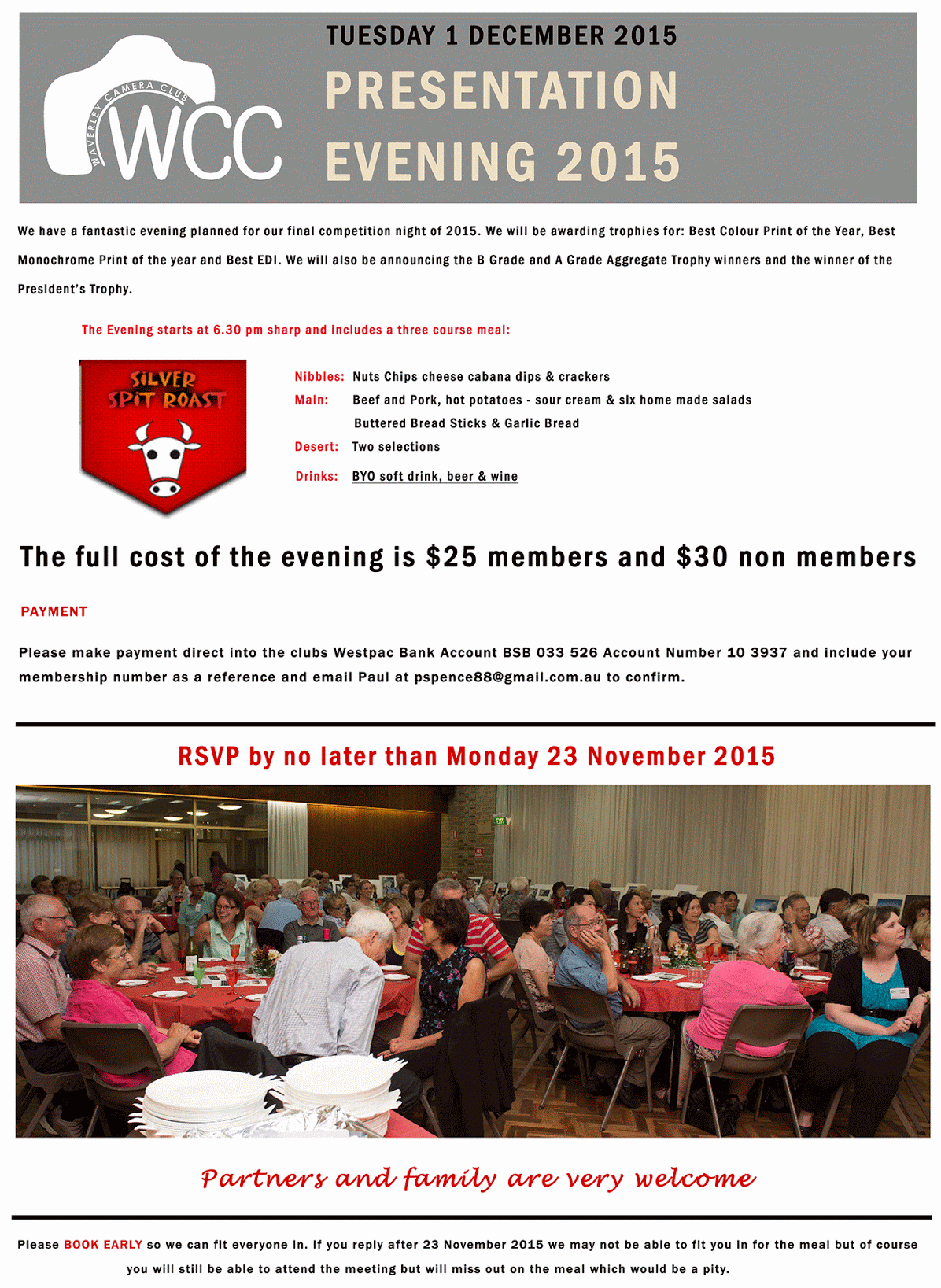
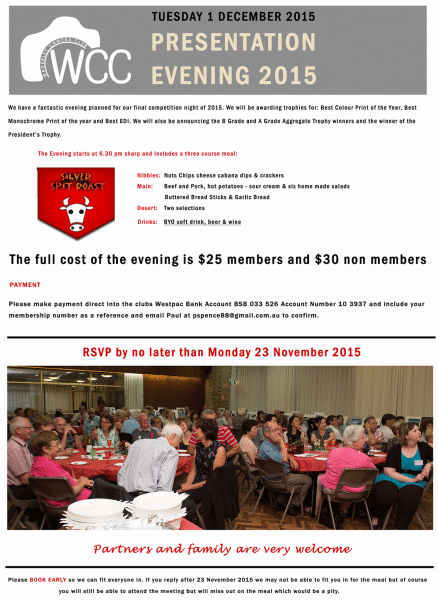
As you may or may not know, the club decided three years ago to try a Xmas dinner style presentation night for the end of year awards. Due to the huge success of these nights we are now holding our third Presentation Night. To help us with catering and ensure that you and your guests get a seat, could you book and pay for your Presentation Night place ASAP. Places are really going fast and seating is limited so please don’t miss out so, pay for seat(s) before the 23rd Nov 2015, details on the flyer below.

Further information can be found HERE
See you on the night
Dave Sumner
WCC Vice-President
Yes, it is that time again and the good news is that we haven’t increased the subscriptions this year so they still represent excellent value for money. The committee works extremely hard to bring informative and enjoyable outings, meetings, competitions, workshops and presentations all for around 20 cents per day.

Thank you to everyone for their membership support in 2015 and I hope to see you all back again for more in 2016.
Dave Sumner
WCC Vice-President
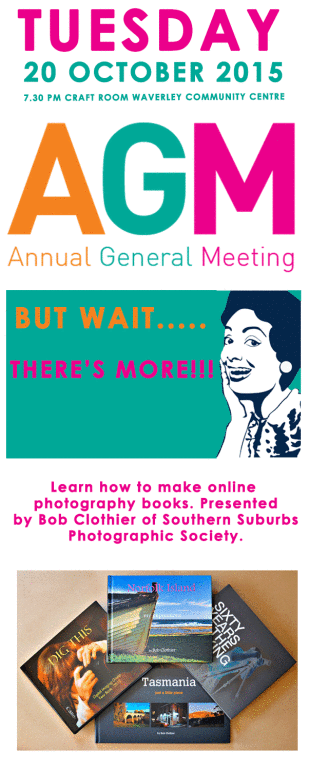
Annual General Meeting – 20 October 2015 7:30pm
Craft Room, Waverley Community Centre
Workshop:
Learn how to make online photography books. Presented by Bob Clothier of Southern Suburbs Photographic Society.
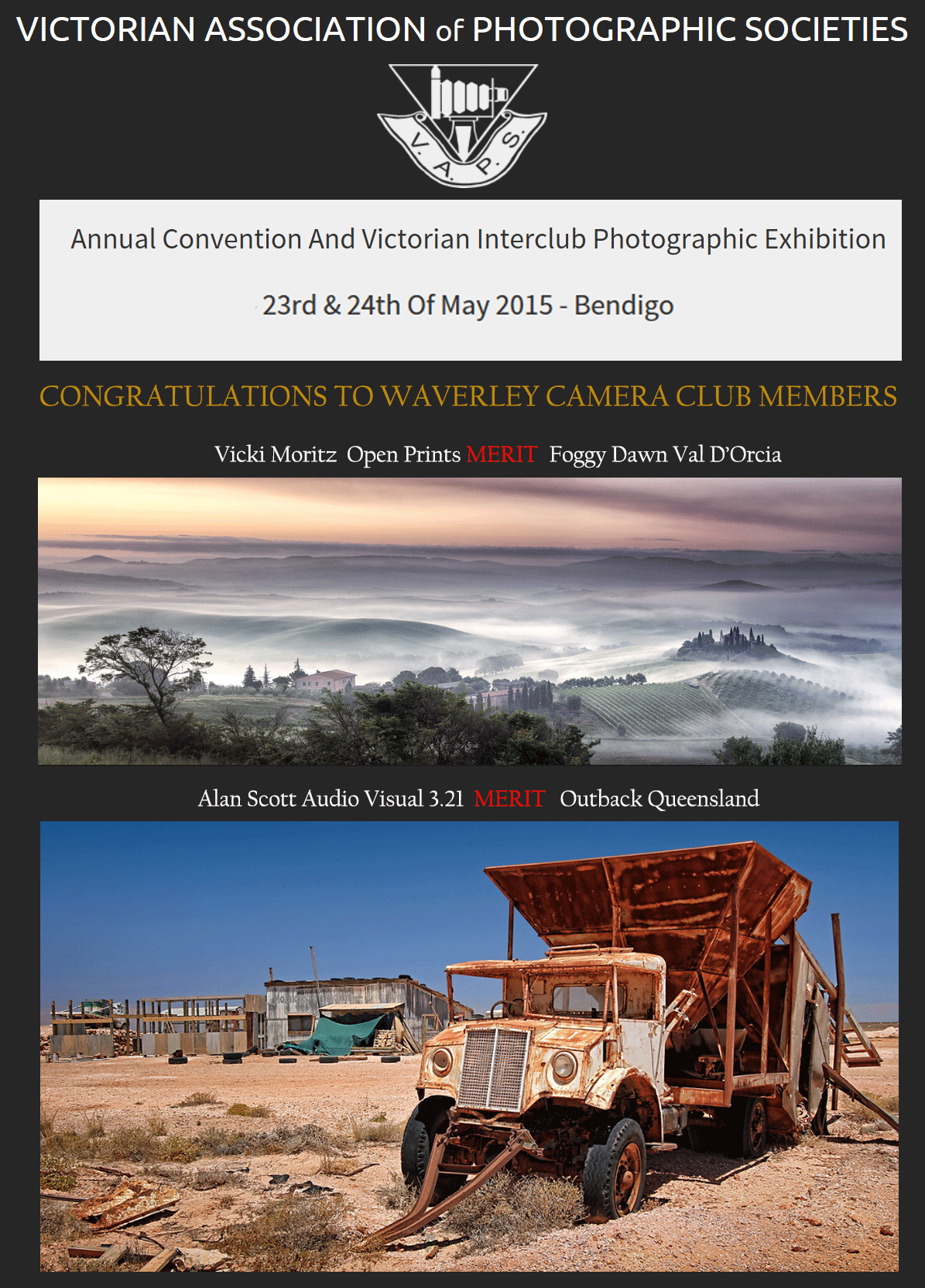
Victorian Association of Photographic Societies
Annual Convention and Victorian Interclub Photographic Exhibition
23rd and 24th of May 2015 – Bendigo
Congratulations to Vicki Moritz and Alan Scott
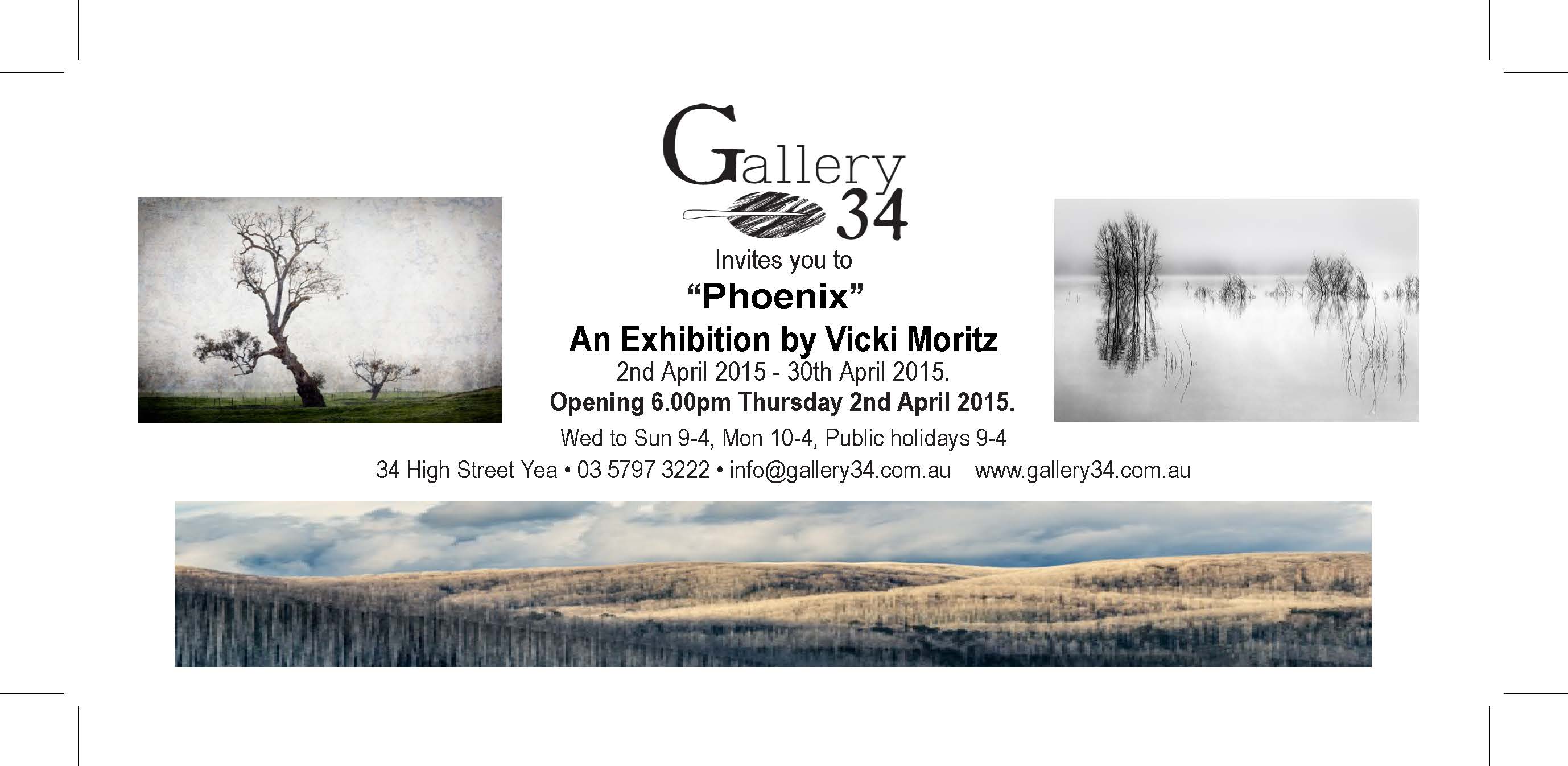
Please go along to Yea and support Vicki’s exhibition at Gallery 34
From club member Anne Ramus:
WCC President Paul Spence’s “The Country Shed” is archetypal Australiana: an iconic galvanised iron shed, rusting and slowly crumbling back into the landscape to become part of the eucalypts and dry grasses. The warm, bright light is the “Mediterranean” type so loved by painters and first captured by the Australian Impressionists. You can compare Australia’s first Colonial artists who couldn’t quite let go of the English light or its classic tree-shapes.

Here are two shots: one is my untouched original – the other is the re-worked image using Lightroom. Paul suggested it might be helpful to others to share what I’d done to “re-invent” it.
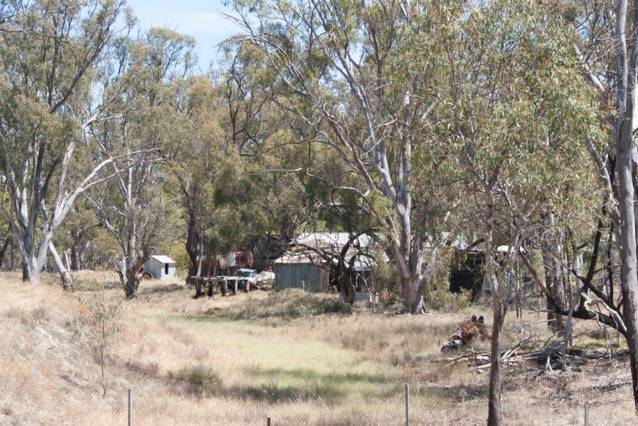
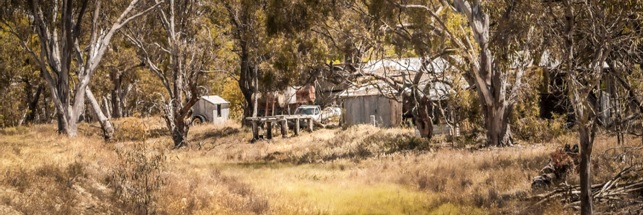
When I first saw Paul’s image, I remembered a trip to a bush property some time back, new DSLR in hand. I’d wanted to capture what I saw and how I felt at the time but I didn’t come close: the bones were there, but the flesh of feeling was missing; the light quality and warmth of colours were absent.
I decided to take the image and practise with Lightroom’s tools to re-create what I’d seen at the time and, more importantly, what I’d felt – the human elements overpowered by the Australian landscape, the quality of light, hot and golden.
Here is roughly my workflow as I remember it – but I typically hop backwards and forwards between the tools, not in a strict order:
In hindsight, I should have used a tripod but I didn’t own one at the time. A longer shutter speed to achieve sharp focus throughout the scene would have been much better (and thanks to John Mallett for guiding me towards much crisper images and the qualities of light!)
Post-processing is all experimental – you can jump backwards and forwards in using the list of tools, according to the results achieved with each. Some adjustments in LR can be done as “Auto” but I find it’s usually better to do my own. Like using herbs and spices, you have to taste and try all along the way, to get the best result for your image and to gradually develop your own personal workflow – your own recipe. While guidelines can be helpful, post-processing can never be prescriptive: it is simply creativity in action.
While not a particularly good image, my second one is a lot better than my original untouched and discarded one. Digging out that old photo, finding a more suitable composition within it, thinking about the quality of light needed, its focal points and messages, has been good practice – and again I learned the lesson to be less rugged when purging old photos.
It’s good to look in your archives for images that will benefit by some “painting with pixels”, as you’ll now be armed with better editing skills. There was a good reason why you took that shot in the first place, so give it a run!
Anne Ramus
January 2015
A very Merry Christmas and a Happy New Year to all of our members, past, present and future.

From all of the Committee at WCC